Update your beneficiary information
Keeping your beneficiary information current is an important part of managing your benefits. Read on to learn how you can review your selections and make any necessary updates. This simple task can make a big difference for your loved ones.
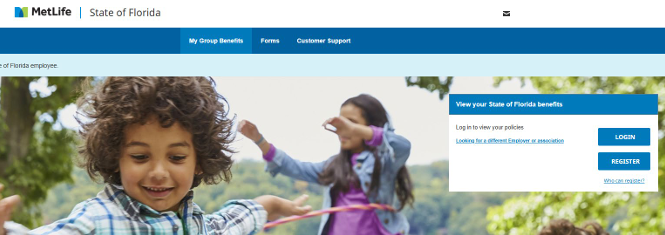
Choose Employer: State of Florida

Register:
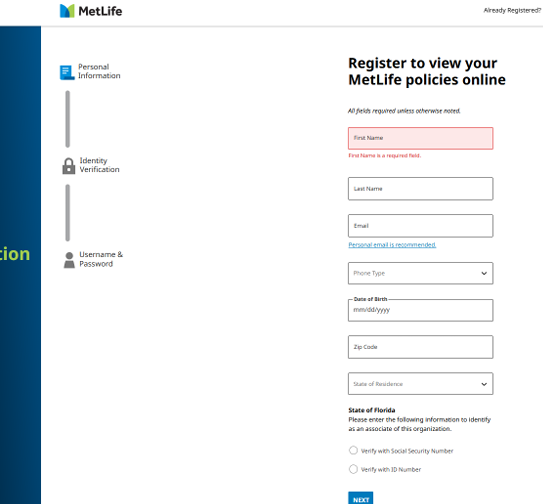
Complete Registration:
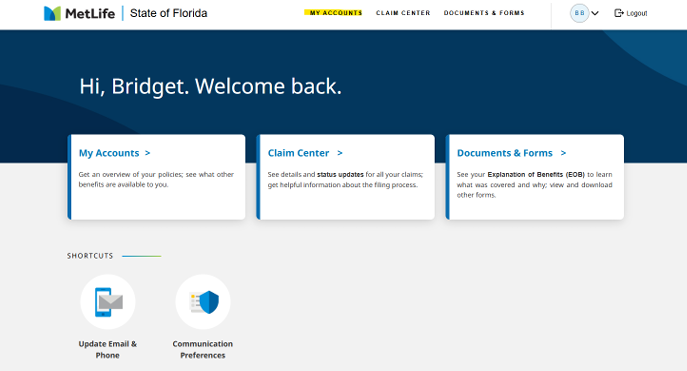
Choose: “My accounts”
Choose: “update beneficiaries”
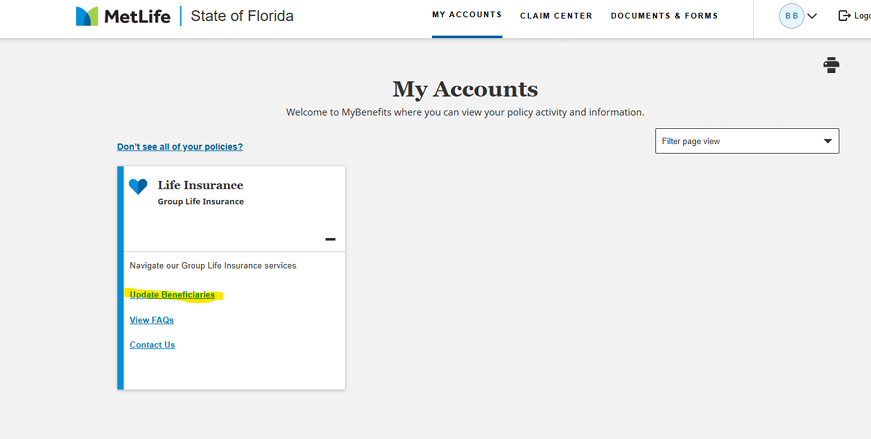
Follow the prompts from there. If your beneficiaries are correct, you will still need to follow through to confirm them. Once completed it will show the previous beneficiaries and the updated beneficiaries. This allows you to update any beneficiary that may need to be added or removed.